Your face is the main event on a call, but what is behind you says a lot too. A messy shelf, a glaring window or a blank white wall can make a great meeting feel unprepared. The good news is that a clean home office video call background needs only a few small changes, and most cost almost nothing.
This guide gives you five easy fixes: wall color, shelves, art, lighting and camera angle, plus tips for small spaces and renters. The numbers and ideas are rules of thumb, so test them with your own camera.
Quick Answer: Home Office Video Call Background Basics
- Wall: use a calm neutral such as soft gray, warm white, muted green or blue.
- Shelves: keep them tidy, with books, a plant and one or two objects.
- Art: one calm piece, not a busy gallery.
- Light: put the main light in front of you, not behind.
- Camera: at or slightly above eye level, with your eyes about a third down from the top.
Why the Background Matters
On video calls, people look at your face first and your surroundings second, but a distracting or messy background pulls attention away from what you are saying. A good home office video call background does the opposite: it frames you, adds warmth and tells people you are prepared. You do not need a perfect room, just a tidy, simple area behind your chair.
Fix 1: A Calm Wall Color
Cameras struggle with extremes. Very bright white can look harsh and wash out skin tone, very dark colors can swallow light, and high-gloss walls reflect lamps. Soft neutrals such as warm white, soft gray, muted green or blue look pleasant on camera. If you want to paint, a matte or eggshell finish works best; our accent wall painting tips cover clean edges and the right sheen.
Fix 2: Tidy, Styled Shelves
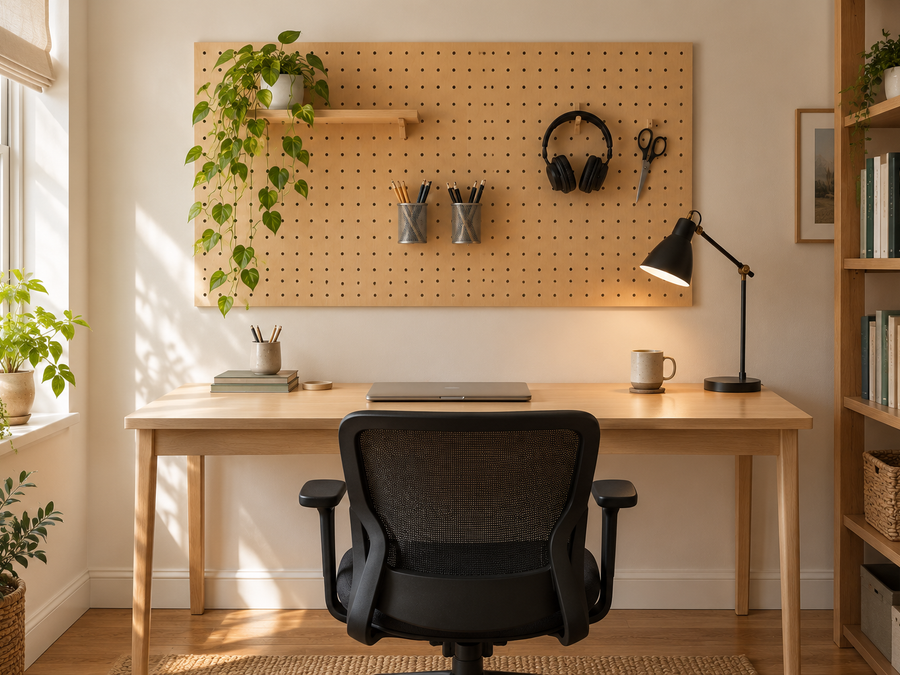
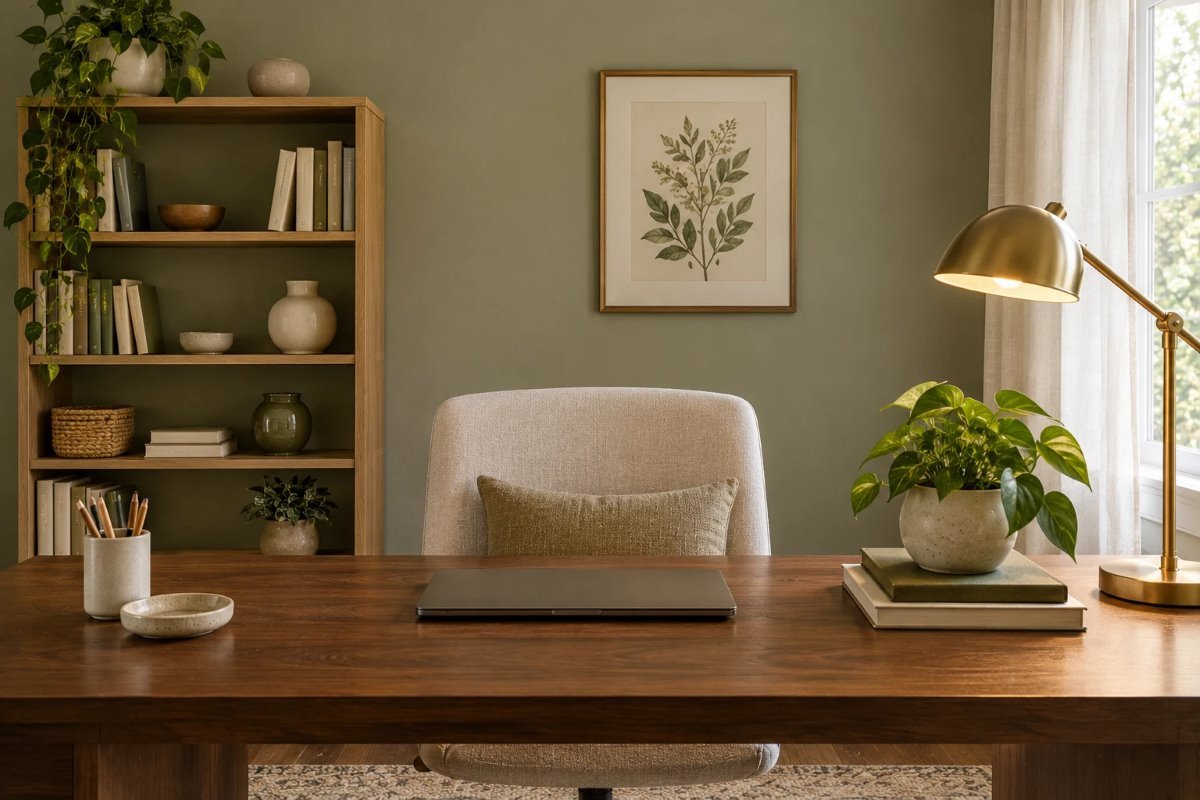
Shelves behind you should look organized. Use a few books stacked both ways, a plant, a ceramic piece and a frame, and leave empty space between items. Grouping by color looks neat on camera. Avoid piles of paper, cables and anything personal you would not want strangers to see. For layouts that fit small rooms, see our home library office ideas for small spaces.
Fix 3: One Calm Piece of Art
A single framed print or a small cluster looks more professional than a busy wall. Choose calm images, such as botanical prints, landscapes or abstract shapes, in muted colors that do not compete with your face. If you like a gallery wall, keep the frames matching and the spacing even; our guide to gallery wall ideas that actually work can help.
Fix 4: Light Your Face First
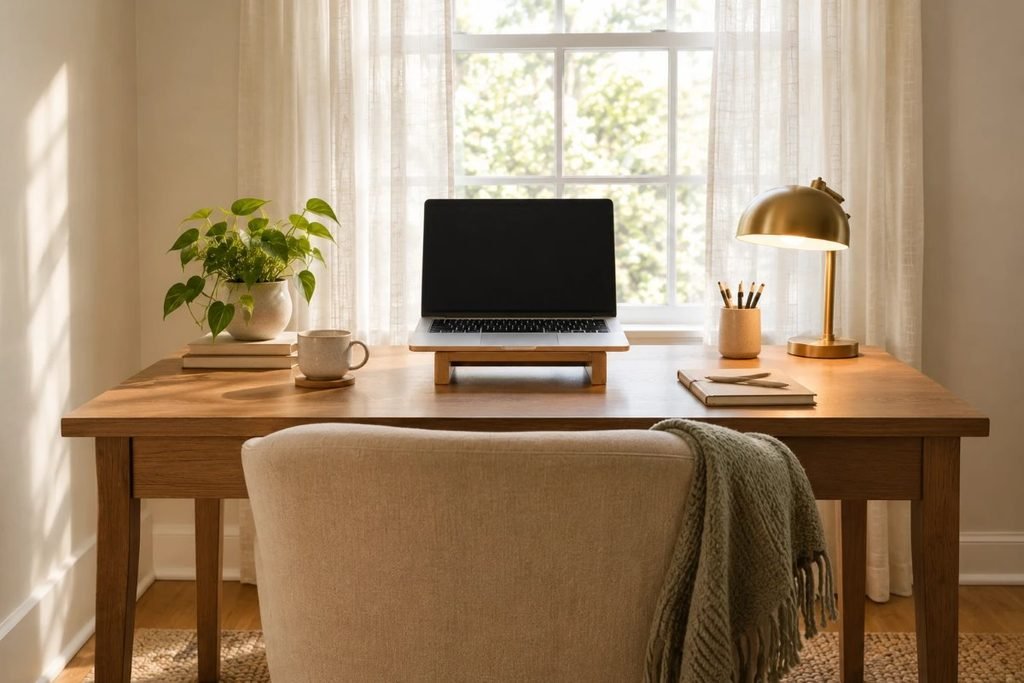
The most important part of any home office video call background is the light on you. Put the main light in front of you, ideally a window or a soft lamp slightly off to one side, so your face is lit evenly. Do not sit with a window behind you, which turns you into a silhouette. Add a second, warm lamp so you can adjust the brightness. For lamp placement, see our guide to desk lamp height for a home office.
Fix 5: Camera Angle and Distance
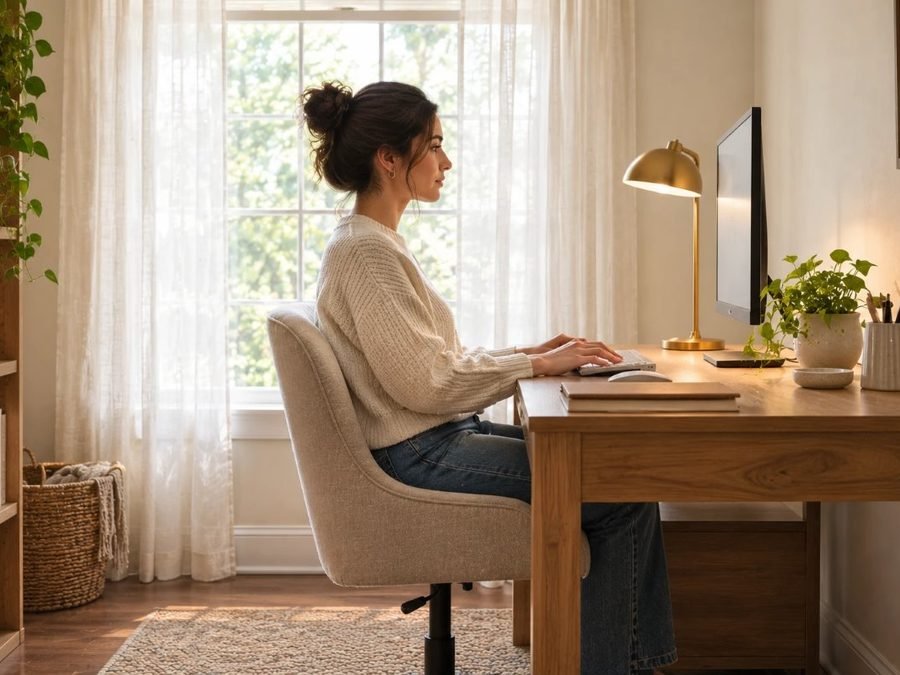
Place the camera at or slightly above eye level, which is the most flattering angle. Frame yourself so your eyes sit about a third of the way down the screen, with a little space above your head. Sit about 1 to 2 feet from the wall if you can, which softens shadows and stops the background from looking flat. Raise a laptop on a stand or a pile of books to get the height right.
At a Glance
| Fix | What to do | Quick test |
|---|---|---|
| Wall | Soft, matte neutral | No glare on camera |
| Shelves | Tidy, a few objects | Looks calm in preview |
| Art | One calm piece | Does not compete with your face |
| Light | In front, soft | No shadows under the eyes |
| Camera | Eye level | Eyes a third down the frame |
Small Spaces and Corners
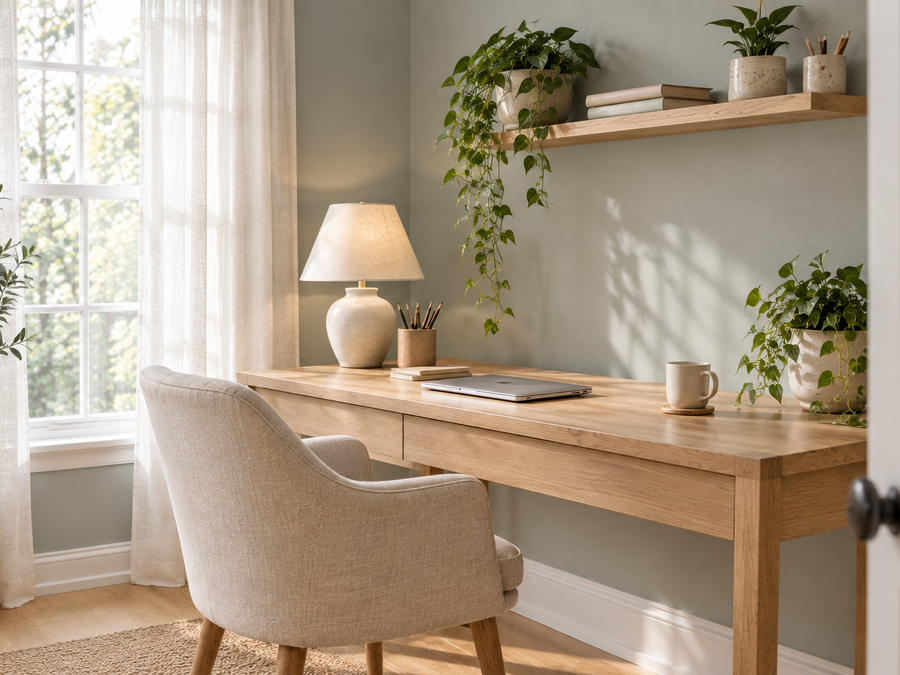
If you work in a bedroom, a corner or a closet, a small area is enough. Face a plain wall, add a plant and a lamp, and keep the bed out of frame. A folding screen, a bookcase or a hanging fabric panel can hide clutter. Check the frame on a test call before the meeting.
Virtual Backgrounds
A blurred or virtual background can help if your room is untidy, but it can make edges look odd and hides your hair or shoulders. A real, tidy background usually looks more natural. Use a virtual background as a backup, not the first choice.
Doing This as a Renter
Renters can improve a home office video call background without painting. Use a removable fabric panel or a tension rod with a curtain, a freestanding bookcase, peel-and-stick wallpaper if allowed, and a leaning mirror or print. Hang art with removable hooks, and ask the landlord before you drill.
Budget and Timing
Most of this costs very little: a lamp, a plant, a print and a bit of tidying. A ring light or a small LED panel is a bigger expense but can make a big difference in a dark room. The whole setup can take an afternoon.
Where to Start If This Is Your First Time
Open your camera on its own and look at what is behind you. Remove clutter, fix the light and raise the camera. Take a screenshot and compare it with how it looked before. Then add one plant and one print, and call a friend for a quick test. This is the fastest way to improve your home office video call background.
Safety
Keep cables off the floor where people walk, secure tall shelves to the wall, and do not leave lamps too close to paper or fabric. If you use a ring light, check that it is on a stable stand.
Quick Recap
Fix the light first, tidy the shelf, choose a calm wall and one print, and raise the camera to eye level. A simple home office video call background looks more professional than a busy one.
Test Before the Meeting
Open your camera, check the frame and ask a friend for a quick call. Look for shadows, glare and anything you would rather not show. A short test makes your home office video call background feel settled, and you can fix problems before the real meeting.
Common Mistakes to Avoid
- Sitting with a bright window behind you.
- Leaving clutter or personal items in frame.
- Hanging a busy gallery of mismatched frames.
- Pointing the camera up at your chin.
FAQs
What is the best color for a video call background? Soft neutrals such as warm white, gray or muted green.
Should I use a virtual background? Only as a backup; a tidy real room looks more natural.
How far from the wall should I sit? About 1 to 2 feet, if possible.
Where should the light go? In front of you, not behind.
How high should the camera be? At or slightly above eye level.
Do I need shelves? No, a plain wall with a plant and a print works well.
Tools and Basics to Gather
A lamp or ring light, a laptop stand or books, a plant, one framed print, command hooks, a few books for the shelf and your phone or laptop for test calls.
The Bottom Line
A good home office video call background is simple: a calm wall, tidy shelves, one piece of art, soft light on your face and a camera at eye level. Fix the light first, tidy the frame and test it before the call. Done that way, your background will help you look prepared and relaxed.
Related:
Home Library Office Ideas for Small Spaces · Gallery Wall Ideas That Actually Work